Documentation
Everything you need to get started with YOLO's NDJSON Converter.
Installation
Troubleshooting
How to Use
01
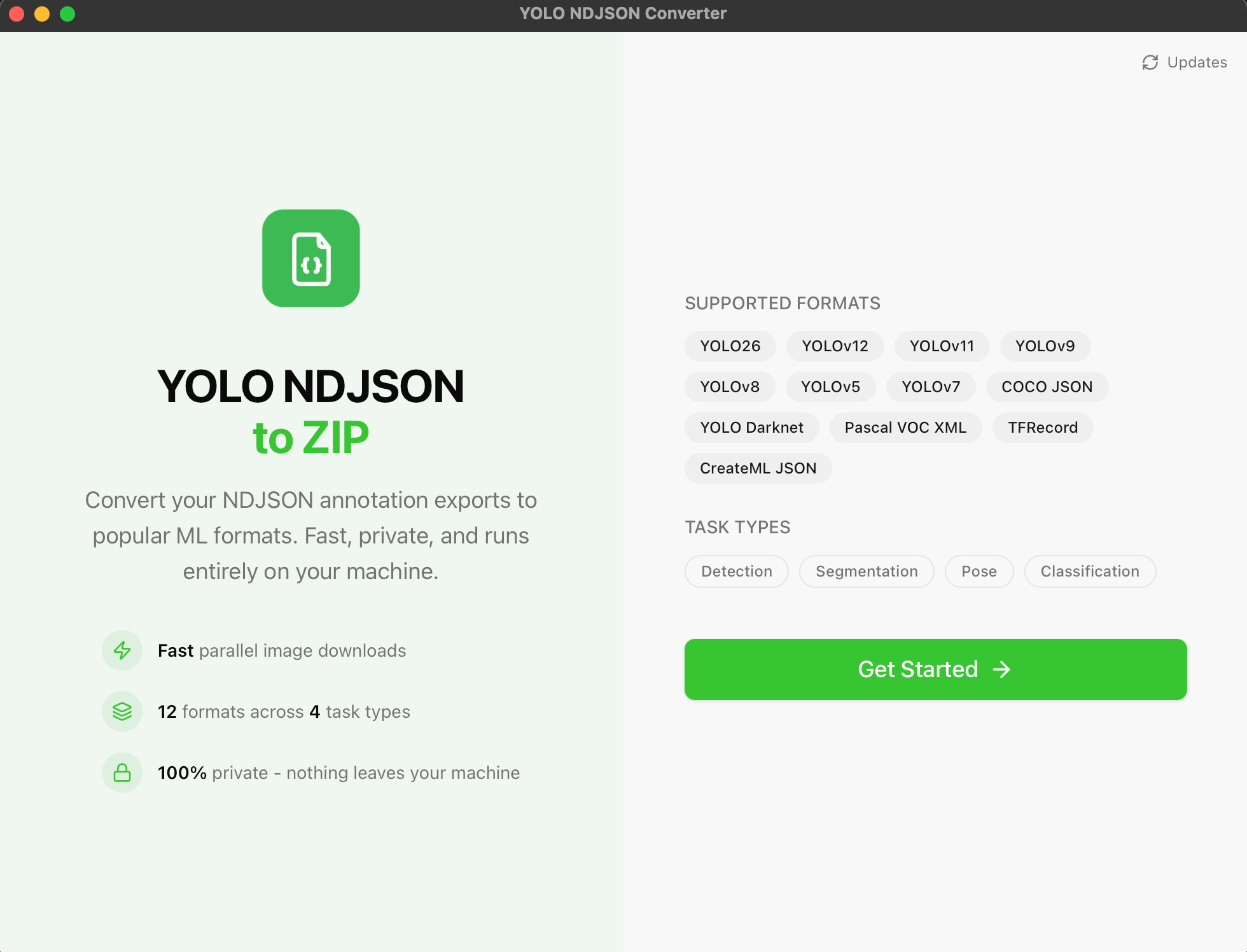
Starting Screen
Launch the app and you'll see the main interface ready to go.
02
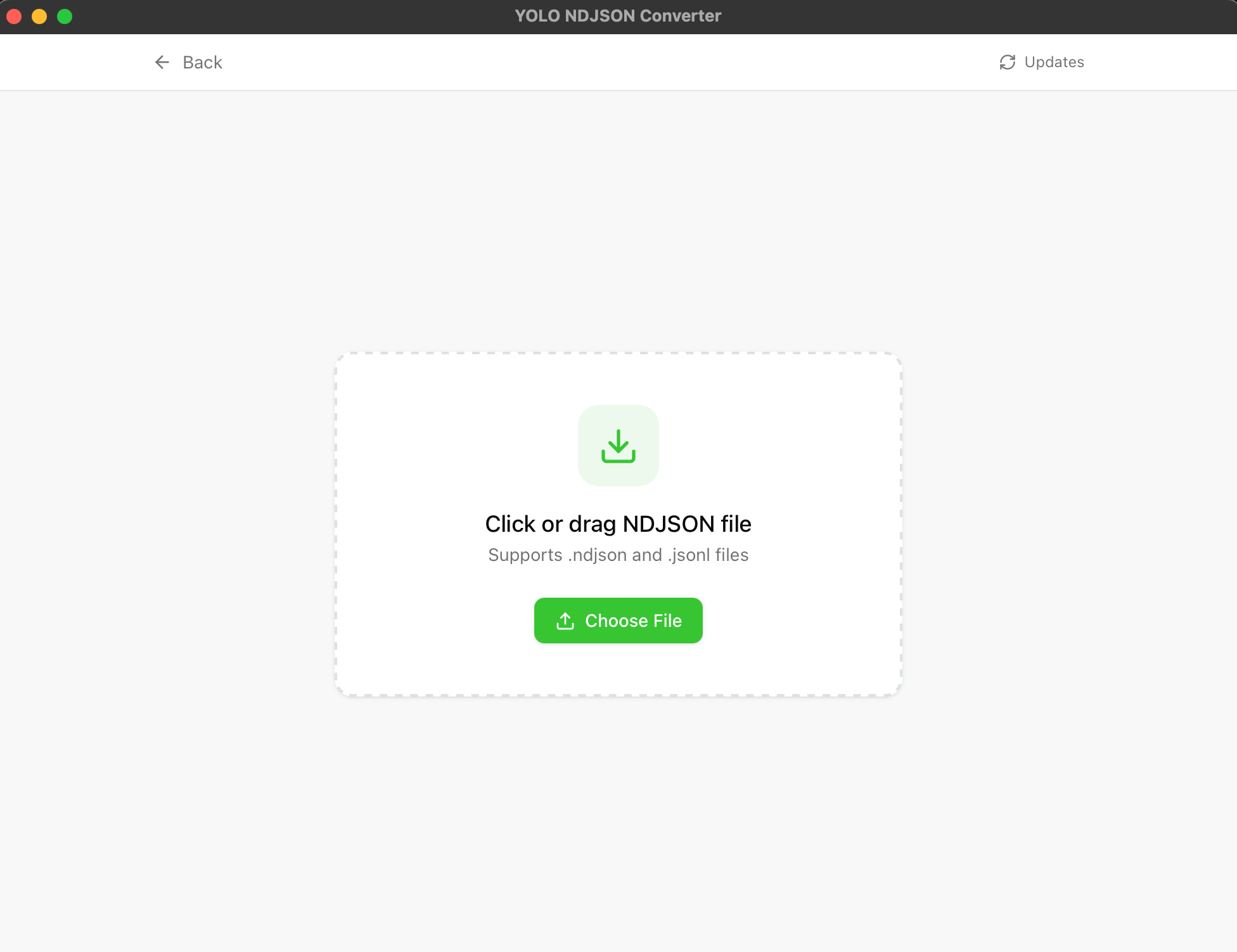
Select Your File
Click to select your .ndjson or .jsonl export file from Ultralytics.
03
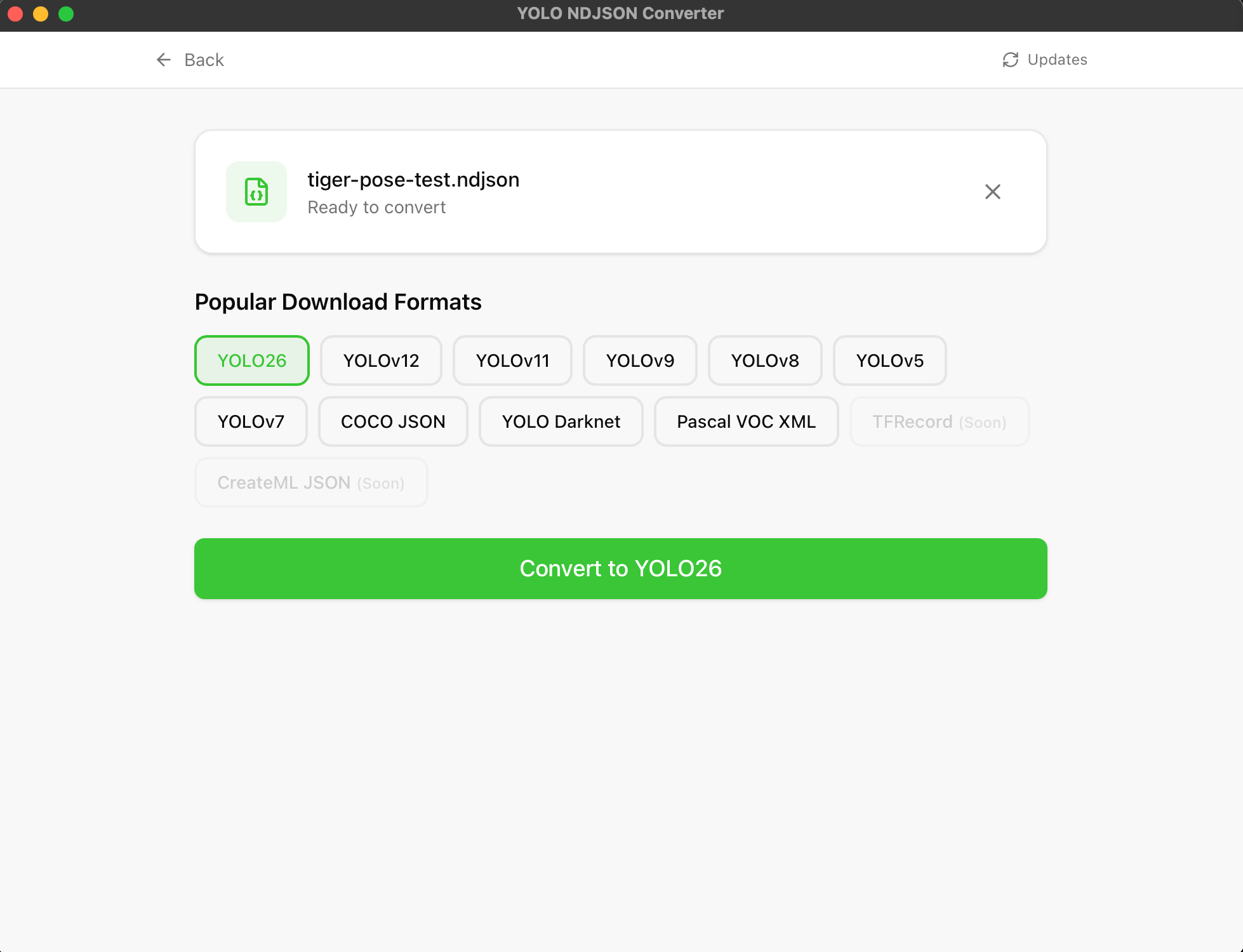
Start Converting
Choose your target format and click the convert button.
04
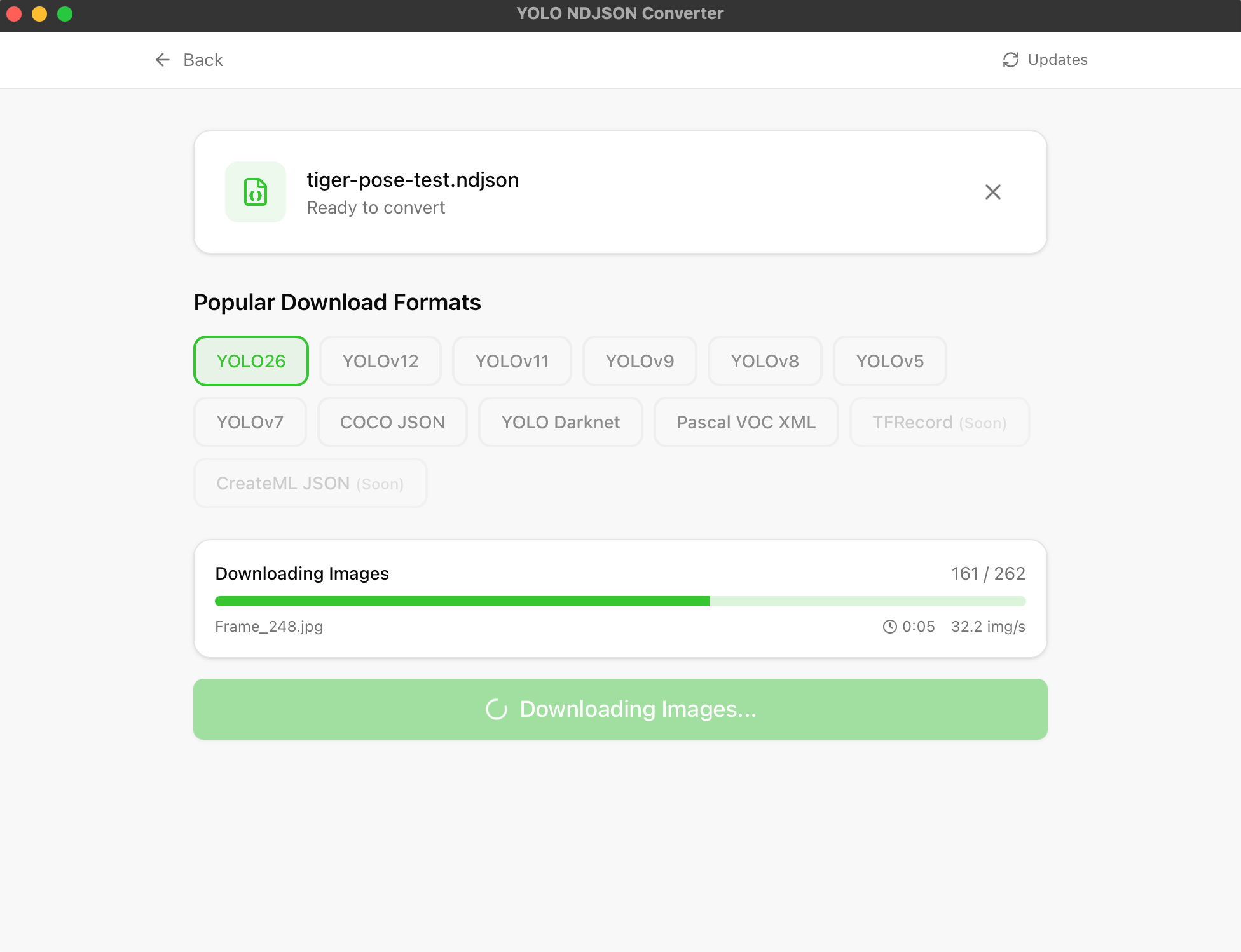
Wait for Processing
The app downloads images and converts annotations. This may take a moment depending on dataset size.
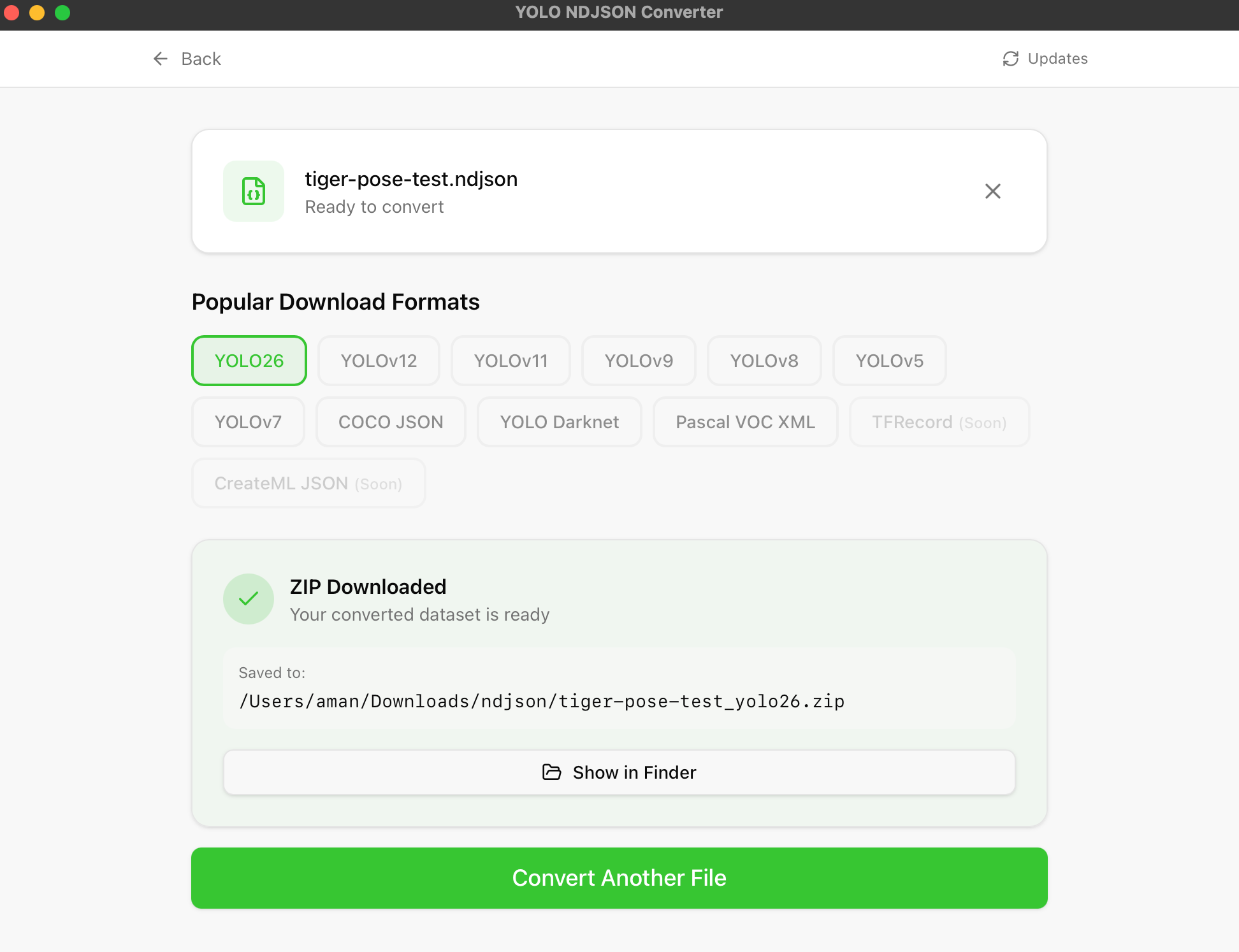
05
Download Complete
Once finished, your ZIP file is ready to download.
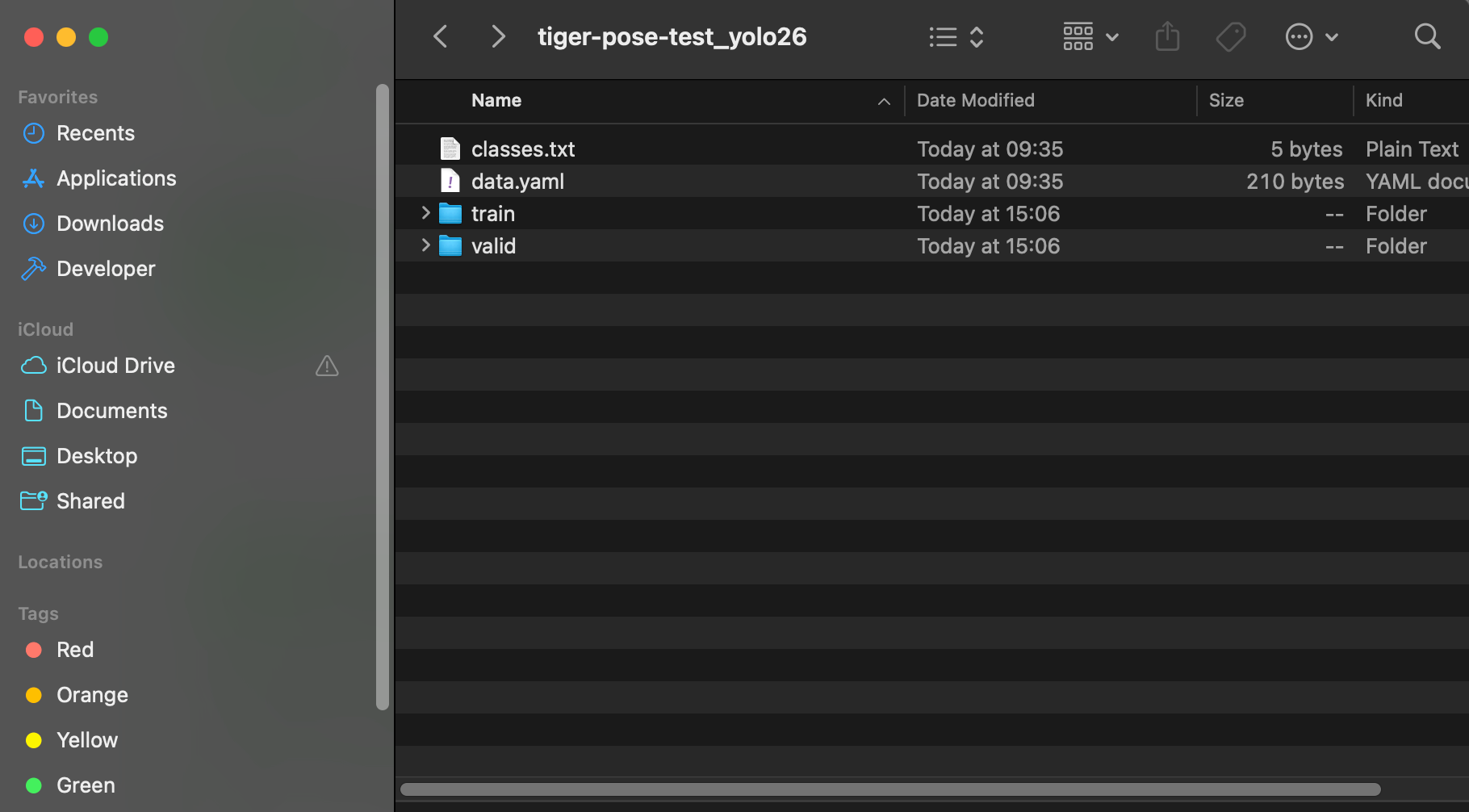
06
Extract & Enjoy
Extract the ZIP to find your organized dataset with images, labels, and config files.
Supported Formats
YOLO Formats
- YOLO26
- YOLOv12
- YOLO11
- YOLOv9
- YOLOv8
- YOLOv7
- YOLOv5
- YOLO Darknet
Other Formats
- COCO JSON
- Pascal VOC
- TFRecord (coming soon)
- CreateML (coming soon)
Output Structure
The converter outputs a ZIP file with organized folders:
dataset/
├── images/
│   ├── train/
│   ├── val/
│   └── test/
├── labels/
│   ├── train/
│   ├── val/
│   └── test/
└── data.yaml